Mac

PyCharm

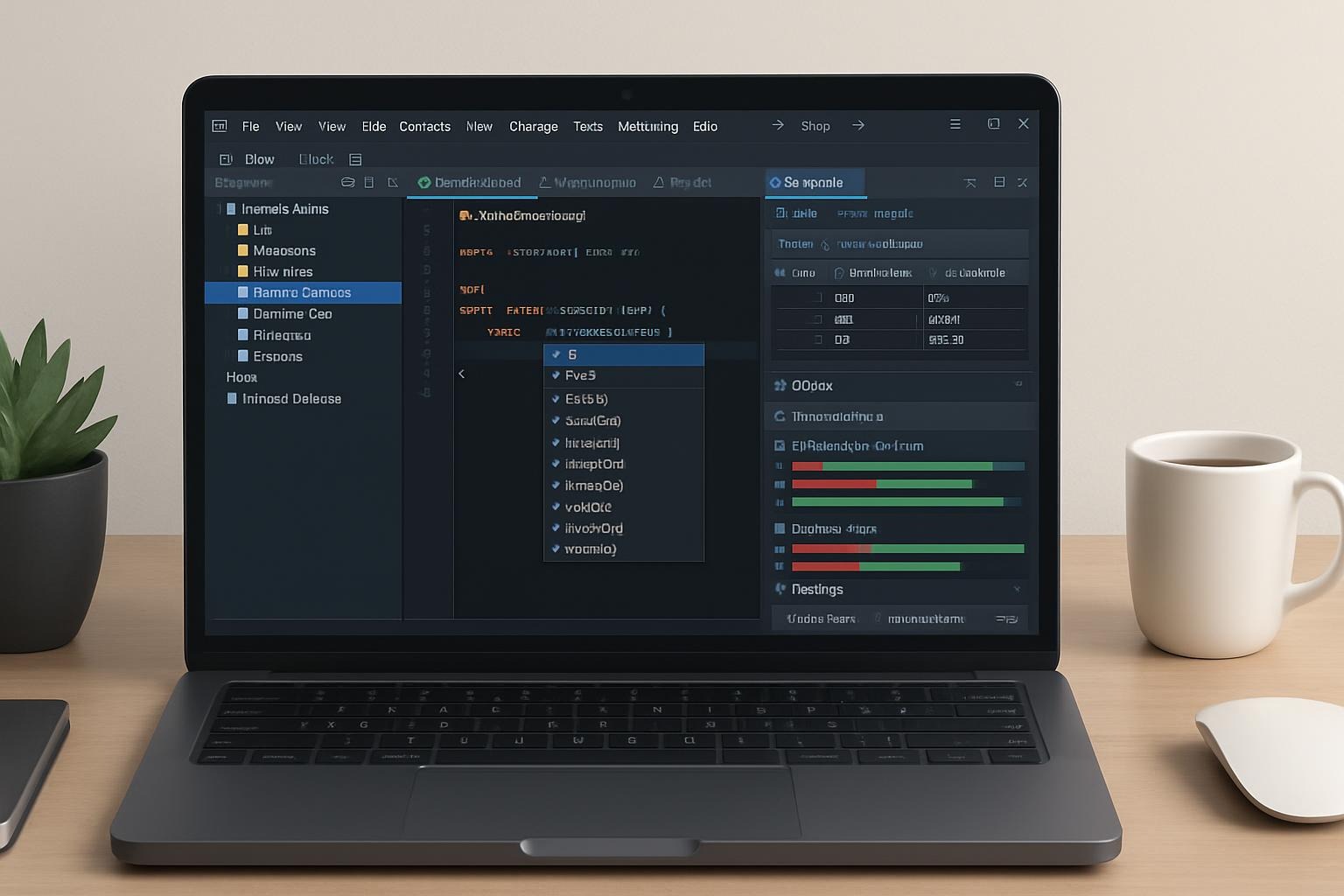
PyCharm PyCharm by JetBrains is a professional-grade IDE built specifically for Python development. Whether you’re working with data science, web applications, automation, or AI projects, PyCharm delivers intelligent code insight, powerful integrations, and a polished environment that scales with your needs. Key Features: Who Should Use It: PyCharm is ideal for Python developers, data scientists, […]
PyCharm Read More »

RubyMine

RubyMine RubyMine by JetBrains is a premium IDE purpose-built for Ruby and Ruby on Rails development. It delivers a streamlined, intelligent, and deeply integrated experience for writing, testing, and deploying Ruby-based applications—with full support for modern web technologies, databases, and version control systems. Key Features: Who Should Use It: RubyMine is perfect for Ruby and

RubyMine Read More »

IntelliJ IDEA

IntelliJ IDEA IntelliJ IDEA by JetBrains is a powerful, intelligent IDE built for modern Java development—and so much more. Renowned for its deep code insight, developer-friendly tools, and enterprise-level integrations, IntelliJ IDEA supports a broad range of languages and frameworks, making it a top choice for backend, frontend, and full-stack developers alike. Key Features: Who

IntelliJ IDEA Read More »

PhpStorm

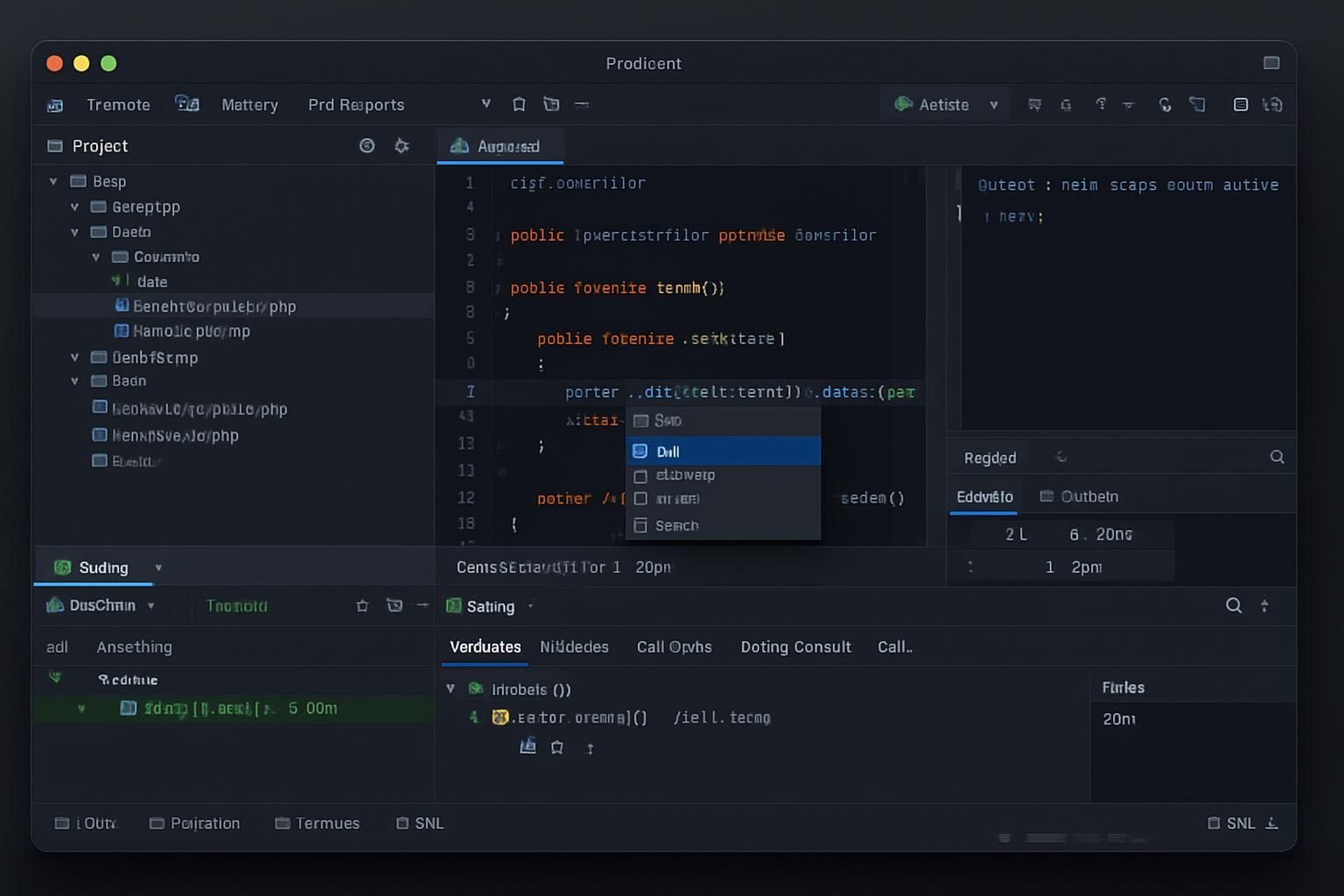
PhpStorm PhpStorm by JetBrains is a professional-grade, full-featured IDE tailored specifically for PHP development. Known for its deep code intelligence, tight integration with modern frameworks, and powerful debugging tools, PhpStorm is the go-to solution for serious backend developers, full-stack teams, and anyone building with PHP, JavaScript, HTML, and related technologies. Key Features: Who Should Use

PhpStorm Read More »

NetBeans

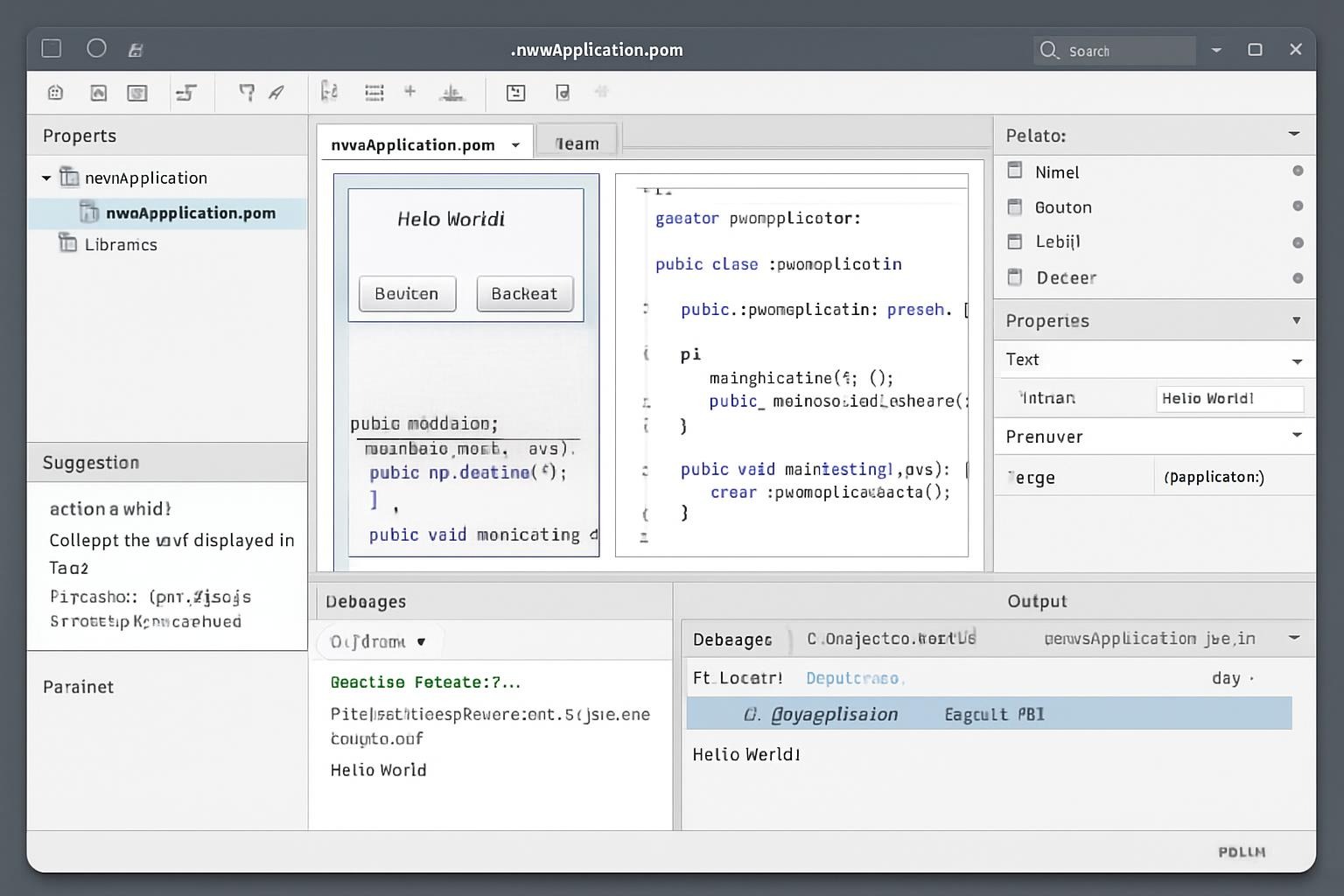
NetBeans NetBeans by Apache Software Foundation is a powerful, open-source Integrated Development Environment (IDE) built for professional-grade software development. Known for its solid Java support, NetBeans also offers tools for developing in HTML, PHP, C++, and more—making it a reliable, all-in-one workspace for building cross-platform desktop, mobile, and web applications. Key Features: Who Should Use

NetBeans Read More »

Brackets

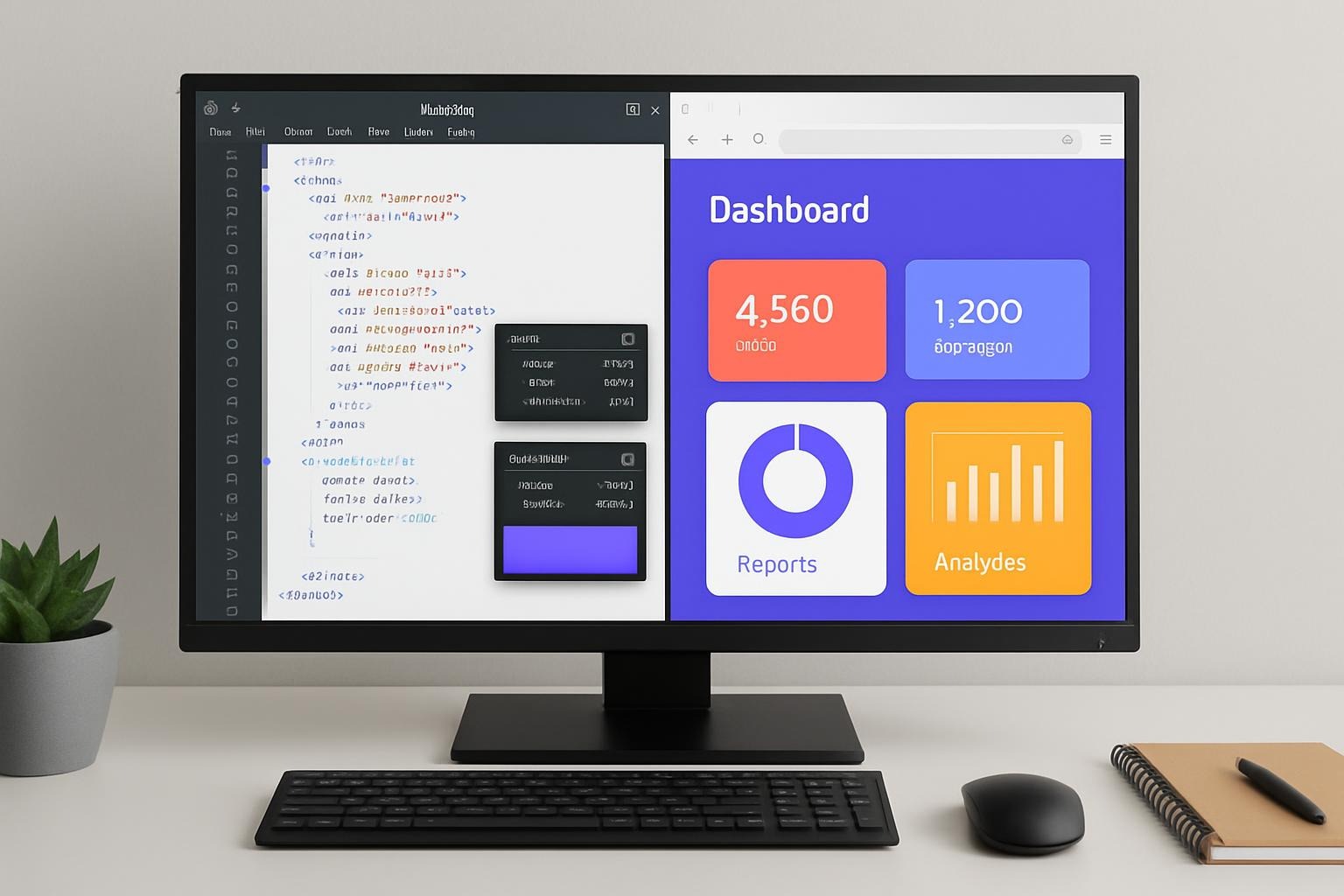
Brackets Brackets by Adobe Systems (now community-maintained) is a lightweight, open-source code editor built specifically for web designers and front-end developers. With a focus on simplicity and visual tools, Brackets delivers a streamlined environment that makes writing and debugging HTML, CSS, and JavaScript intuitive—even for those new to code. Key Features: Who Should Use It:

Brackets Read More »

Atom

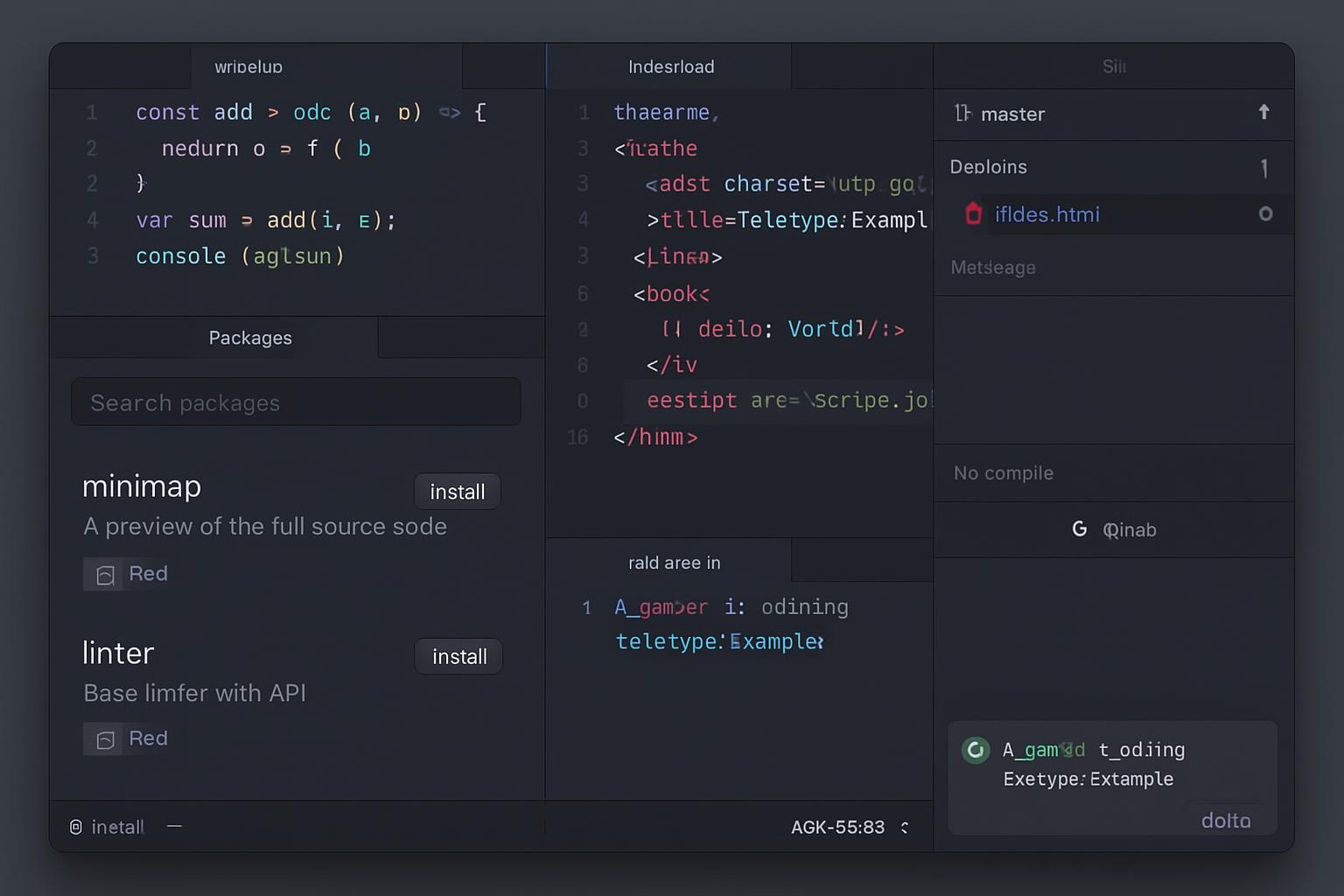
Atom Atom by GitHub (a subsidiary of Microsoft) is a free, open-source text and source code editor designed for developers who value flexibility, customization, and community-driven tools. Often dubbed “the hackable text editor for the 21st century,” Atom allows you to tailor every part of your workflow—from layout and themes to packages and integrations. Key

Atom Read More »

Visual Studio Code

Visual Studio Code Visual Studio Code by Microsoft is a free, open-source code editor that has become the standard for modern software development. Lightweight yet feature-rich, VS Code combines powerful coding tools, debugging capabilities, and an expansive extension marketplace—making it the ultimate all-in-one workspace for developers across languages, stacks, and platforms. Key Features: Who Should

Visual Studio Code Read More »

Sublime Text

Sublime Text Sublime Text by Sublime HQ Pty Ltd. is a sophisticated text editor built for code, markup, and prose. Renowned for its blazing speed, elegant UI, and deeply customizable nature, Sublime Text is trusted by developers and power users worldwide who want a no-nonsense, efficient environment for writing and editing code. Key Features: Who

Sublime Text Read More »

Figma

Figma Figma by Figma Inc. (a subsidiary of Adobe Inc.) is a cloud-based design and collaboration platform that revolutionizes how teams create user interfaces and digital experiences. Built for real-time teamwork, Figma combines vector editing, prototyping, and developer handoff in a single, browser-accessible tool—no installs, no boundaries. Key Features: Who Should Use It: Figma is

Figma Read More »