
AVS Video Editor
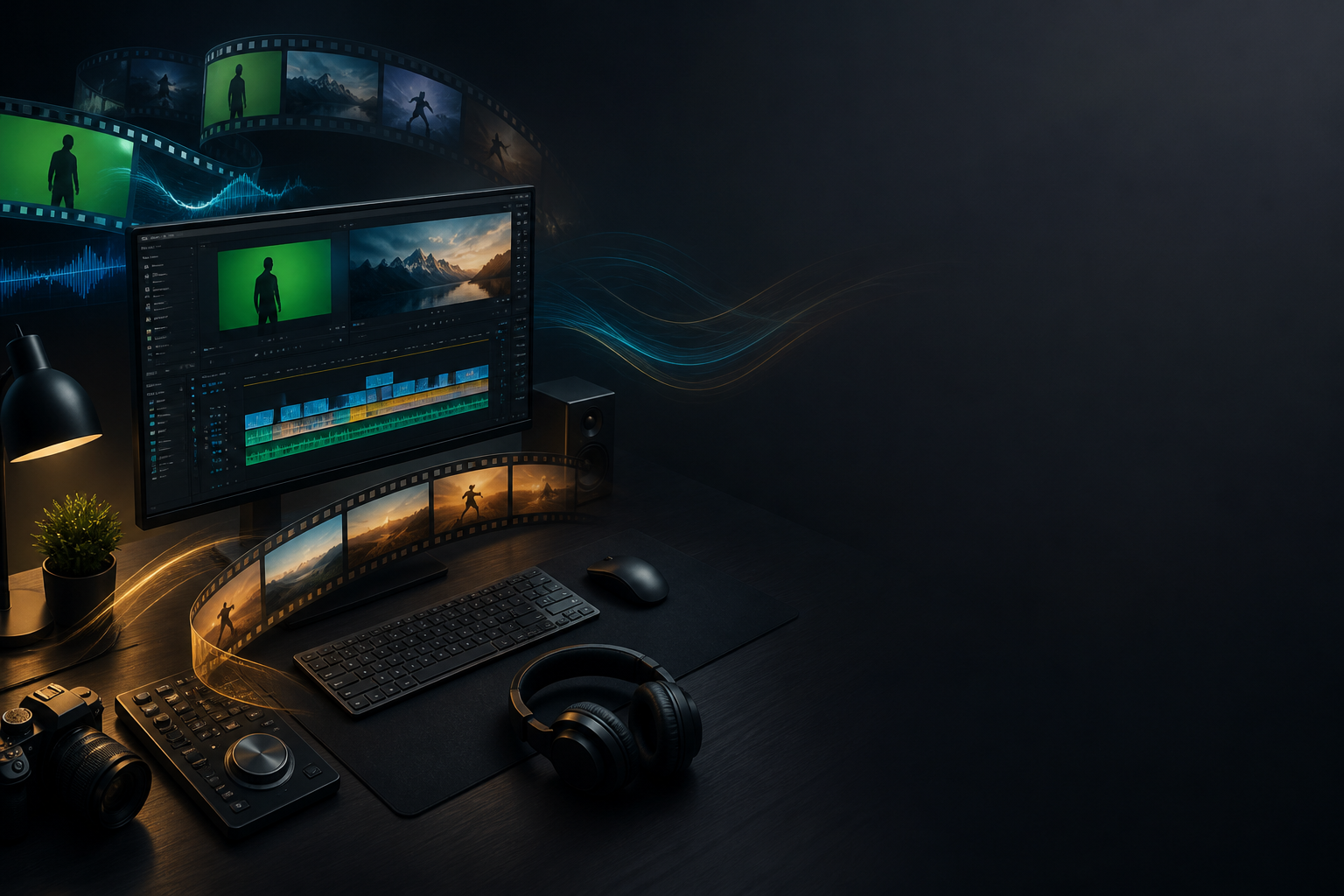
AVS Video Editor is an easy-to-use, feature-packed video editing software designed to make professional-quality video creation accessible to everyone. With its intuitive interface and a wide range of tools, AVS Video Editor simplifies the process of editing, enhancing, and sharing videos for all types of users—from beginners to seasoned editors. Whether you’re making home movies, social media content, or professional-grade videos, AVS Video Editor provides all the tools you need in one affordable package.
Key Features
- User-Friendly Interface: AVS Video Editor is known for its clean, intuitive interface that makes video editing a breeze. Drag-and-drop functionality simplifies the editing process, letting you effortlessly move, cut, and arrange clips on the timeline.
- Wide Format Support: AVS supports virtually every video format , including popular ones like MP4, AVI, MOV, MKV, and even 4K Ultra HD , making it ideal for editing videos from any source, including smartphones, digital cameras, and camcorders.
- Hundreds of Effects and Transitions: Choose from a vast library of video effects, filters, and transitions to enhance your video. Whether you’re adding a subtle fade or complex visual effects, AVS Video Editor provides creative control to give your projects a polished, professional look.
- Video Stabilization: Fix shaky footage with AVS’s video stabilization tool , perfect for action shots or handheld footage. Smooth out your videos to maintain a professional appearance, even when working with difficult footage.
- Chroma Key (Green Screen): Create stunning green screen effects with AVS’s built-in chroma key feature. Easily replace the background in your videos to produce professional effects for everything from weather reports to creative content.
- Audio Editing Tools: AVS Video Editor provides advanced audio editing tools , allowing you to adjust audio levels, apply effects, and sync your soundtracks perfectly with your video. These tools ensure that your audio is as crisp and clear as your visuals.
- Built-In DVD Authoring: With DVD burning capabilities, AVS Video Editor allows you to create professional DVDs with customizable menus. Perfect for archiving home movies or creating polished discs for distribution.
- Video Capturing: AVS allows you to capture video directly from your screen or external devices like webcams, camcorders, or VHS players, making it an excellent tool for screen recording tutorials, vlogs, or digitizing old footage.
Who Should Use it:
AVS Video Editor is perfect for everyday video creators, home users, and hobbyists who want to produce high-quality videos without a steep learning curve. Its combination of powerful features and user-friendly design makes it an ideal choice for editing home movies, creating YouTube content, or producing polished videos for work or school projects.
Summary:
In summary, AVS Video Editor delivers an easy-to-use, comprehensive video editing solution packed with powerful features. Whether you’re editing family videos or creating professional projects, AVS simplifies the process without sacrificing quality. From video stabilization to green screen effects and DVD burning, AVS provides the tools you need to bring your creative vision to life.
TITLE:
CREATIVE GENRE:
PUBLISHER:
PLATFORM:
PRICE RANGE
Subscription
PRICE NOTES
Price range from $49 per year as stated in legacy source content.
FEATURE TAGS
Related products


About Creaxus | Support | Privacy Policy | Legal | Promote your product | Cookies | X Creaxus