
OpenShot

OpenShot is a free, open-source video editing software that offers a simple, yet powerful interface designed to meet the needs of beginners and professionals alike. Whether you’re editing home movies, YouTube videos, or short films, OpenShot makes video creation accessible with its intuitive design and wide range of features. Packed with essential tools and offering multi-platform support, OpenShot is a perfect solution for anyone looking for high-quality video editing without the cost of premium software.
Key Features
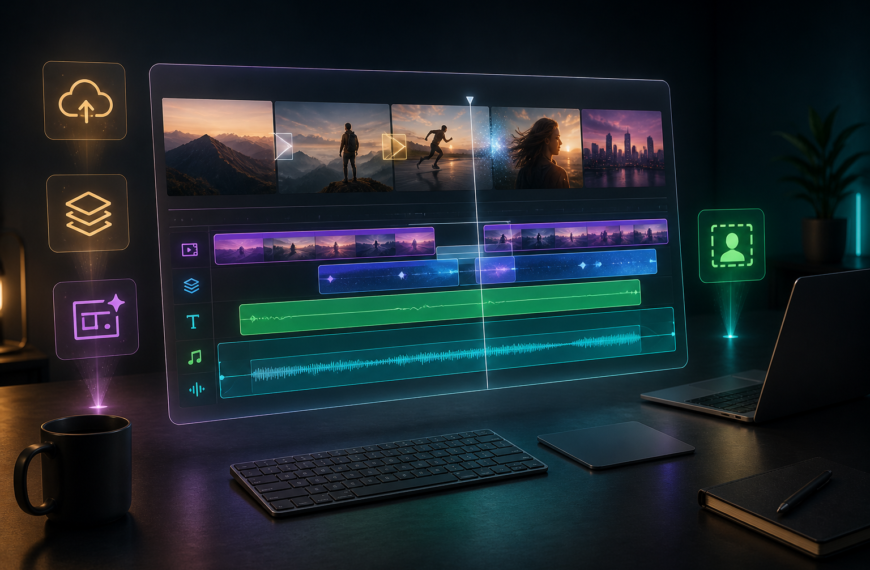
- Easy-to-Use Interface: OpenShot’s drag-and-drop interface is simple and user-friendly, allowing users of all skill levels to start editing quickly. Its straightforward design makes it easy to arrange clips, apply transitions, and add effects without being overwhelmed by complexity.
- Cross-Platform Support: OpenShot is available on Windows, macOS, and Linux , making it accessible to a wide range of users. No matter which operating system you use, you’ll get the same consistent performance.
- Unlimited Tracks and Layers: With OpenShot, you can add as many layers as needed for background videos, audio tracks, and overlays . This makes it easy to create complex, multi-layered video projects.
- Advanced Timeline Control: OpenShot features a timeline-based editing interface with advanced tools for trimming, cutting, and snapping . This gives you precise control over your clips, ensuring smooth, professional results.
- Beautiful Transitions and Effects: Choose from a wide array of built-in transitions, fades, and effects to give your videos a professional look. You can customize these effects and even preview them in real-time.
- Powerful Animation Framework: OpenShot’s powerful keyframe animation system allows you to animate almost any property in your video, from position and size to opacity and rotation. This makes it easy to create dynamic and engaging content.
- 3D Animated Titles: With OpenShot’s 3D title editor , you can create eye-catching animated titles and text effects. The 3D titles are fully customizable, allowing for cinematic intros and scene transitions.
- Wide Format Support: OpenShot supports a variety of video, audio, and image formats, thanks to its FFmpeg integration. You can work with 4K video, high-resolution images, and a multitude of file types, ensuring seamless compatibility with your media.
Who Should Use it:
OpenShot is perfect for beginners, hobbyists, YouTubers, and anyone looking for a free yet robust video editing tool. With its simple interface, advanced features, and cross-platform support, OpenShot offers a versatile solution for both basic and complex editing needs.
Summary:
In summary, OpenShot is an accessible, feature-rich, open-source video editor that provides everything you need to create polished, professional videos. Whether you’re a beginner or a seasoned editor, OpenShot’s wide range of tools, animations, and real-time previews make it a powerful choice for anyone looking to produce high-quality video content without a steep learning curve.
TITLE:
CREATIVE GENRE:
PUBLISHER:
PLATFORM:
PRICE RANGE
Free
PRICE NOTES
OpenShot is free and open-source software, available at no cost.
Related products

About Creaxus | Support | Privacy Policy | Legal | Promote your product | Cookies | X Creaxus