
VSDC Video Editor
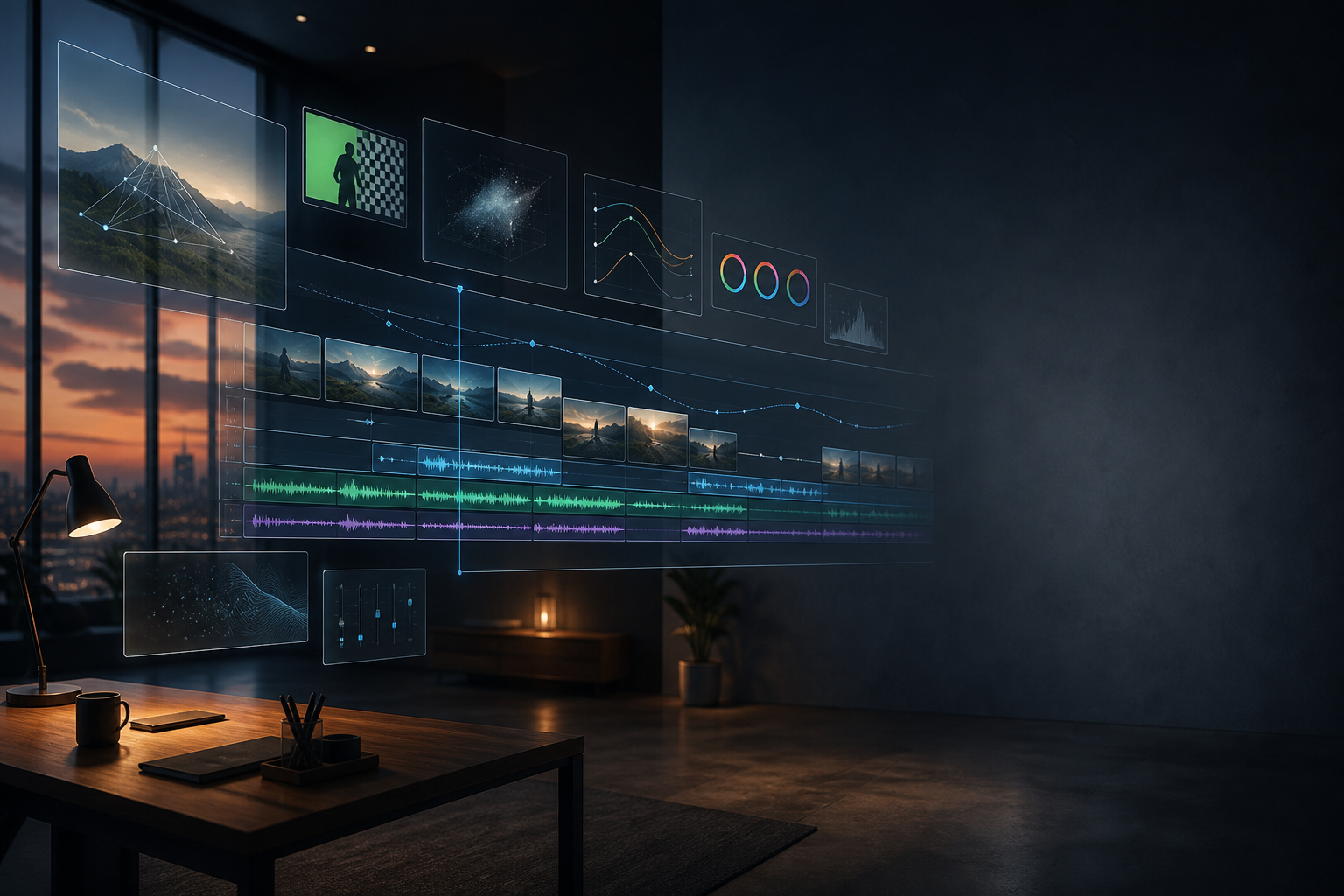
VSDC Video Editor is a powerful, non-linear video editing software designed to meet the needs of both beginner and advanced users. With its feature-packed toolkit, VSDC enables creators to edit and produce professional-quality videos for social media, YouTube, or even commercial projects. Its flexible interface and robust capabilities make it a go-to solution for video editing, even on modest hardware, and it remains a popular choice due to its free version offering advanced features that other editors often lock behind premium paywalls.
Key Features
- Non-Linear Editing: Unlike traditional video editors, VSDC allows for non-linear editing , meaning you can place video clips, images, and audio files anywhere on the timeline and overlay them, giving you complete creative control over your projects.
- Wide Format Support: VSDC supports nearly all popular video, audio, and image formats , including 4K, HD, and even 360-degree video. This ensures seamless compatibility with footage from any camera or device.
- Professional Video Effects and Filters: With a vast library of visual effects, transitions, and color filters , VSDC lets you polish your footage to cinematic standards. You can customize effects, layer multiple filters, and apply professional-grade color grading to achieve a specific look or mood.
- Advanced Color Correction and Grading: VSDC includes precise color correction tools , allowing you to enhance the lighting, balance the hues, and fine-tune your footage. For professionals, the LUT editor offers deeper control for matching specific color profiles or achieving a consistent visual tone.
- Masking and Blending: The masking tools in VSDC allow for creative effects, such as blurring faces, highlighting specific areas, or creating artistic transitions. Blending modes enable you to mix layers of video and images for dynamic visual effects.
- Motion Tracking: VSDC’s motion tracking feature allows you to attach effects, text, or images to moving objects in your video, enabling creative possibilities such as dynamic captions or special effects that follow the action.
- Audio Effects and Equalizer: With VSDC’s built-in audio editor , you can enhance your soundtrack with effects like reverb, echo, and equalization . This allows for detailed sound control to match your video’s visual elements, resulting in a cohesive production.
- Chroma Key (Green Screen): VSDC includes a Chroma Key tool for green screen effects, allowing you to remove backgrounds and create professional-looking special effects. Perfect for weather reports, YouTube tutorials, or any production needing background replacement.
Who Should Use it:
VSDC Video Editor is perfect for video creators of all skill levels—whether you’re a beginner looking to make engaging social media content, a YouTuber editing your next viral video, or a filmmaker needing advanced effects and multi-layered editing capabilities. Its rich feature set, combined with the lack of steep hardware requirements, makes it ideal for professionals and hobbyists alike.
Summary:
In summary, VSDC Video Editor offers a comprehensive, professional-grade video editing experience with advanced tools such as motion tracking, chroma key, and non-linear editing. Whether you’re editing simple social media videos or creating feature-length films, VSDC delivers the power and flexibility needed to bring your creative vision to life, all while remaining accessible and free to use.
TITLE:
CREATIVE GENRE:
PUBLISHER:
PLATFORM:
PRICE RANGE
Free
PRICE NOTES
VSDC Video Editor offers a fully-featured free version with no watermarks, including advanced features like color grading, masking, and motion tracking.
FEATURE TAGS
Related products



About Creaxus | Support | Privacy Policy | Legal | Promote your product | Cookies | X Creaxus