
VideoProc Vlogger
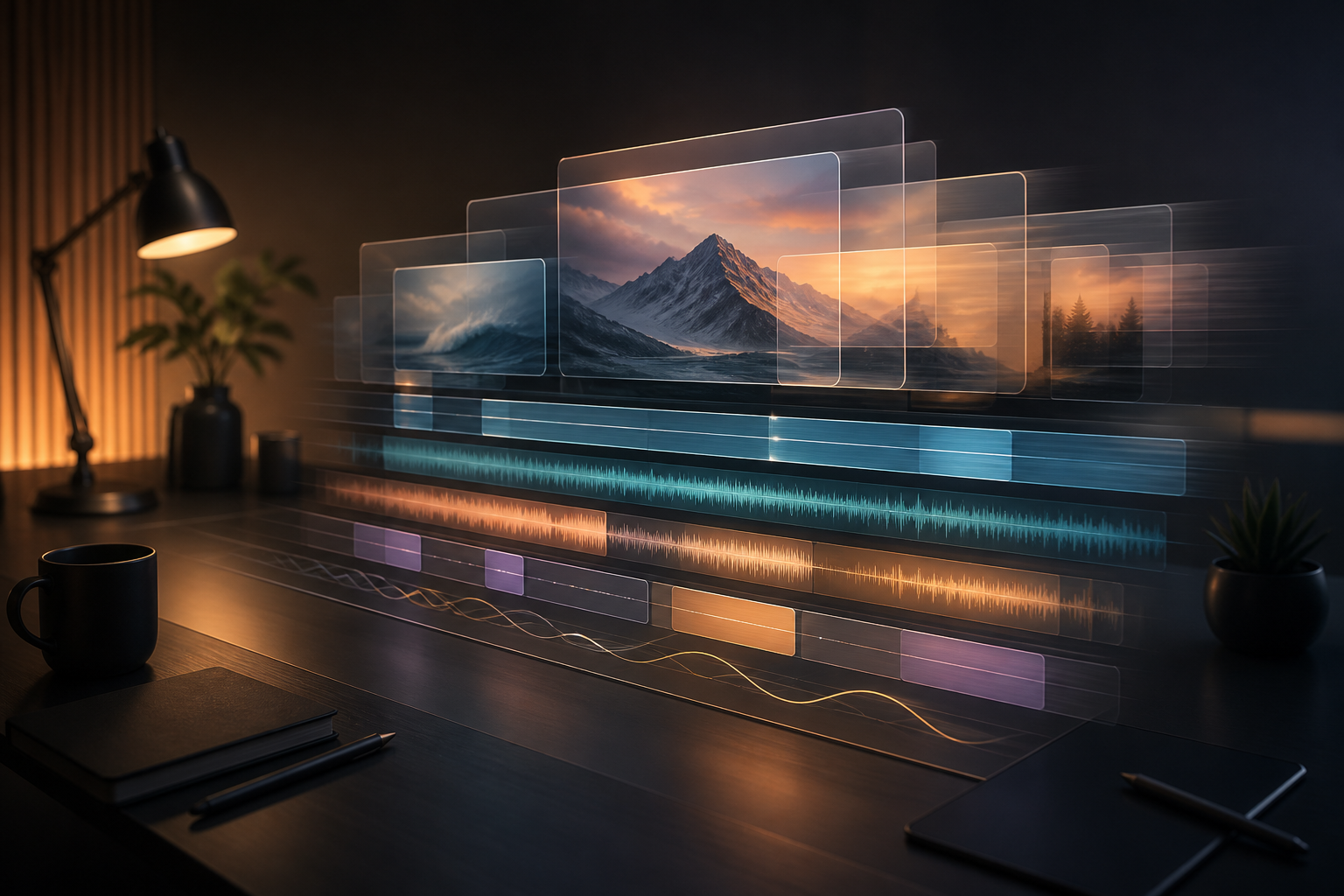
VideoProc Vlogger is a free and easy-to-use video editing software designed for anyone who wants to create high-quality content with minimal effort. Whether you’re a beginner or a more advanced video editor, VideoProc Vlogger offers a wide range of features, from basic edits to more sophisticated visual effects, without overwhelming users with complex workflows. Its optimized performance ensures that you can edit, enhance, and export videos smoothly, even with large files like 4K footage.
Key Features
- Intuitive User Interface: VideoProc Vlogger’s clean, intuitive design makes it easy to learn and navigate, even for beginners. With drag-and-drop functionality and straightforward controls, users can edit with confidence.
- Multi-Layer Timeline Editing: Create intricate projects with multi-layer editing , allowing you to stack video, audio, images, and effects with ease. This enables more complex storytelling with overlays, text, and transitions.
- Smooth Motion Editing: VideoProc Vlogger offers tools for speed ramping and motion effects , allowing you to control the speed of your footage with precise adjustments. This is perfect for creating dramatic slow-motion scenes or fast-forward effects.
- Advanced Color Correction: Fine-tune your videos with professional color correction tools . You can adjust brightness, contrast, saturation, and even apply color filters to give your video a polished, cinematic look.
- Real-Time Preview: With real-time previewing , you can see the effects and edits you make immediately, ensuring your final video looks exactly how you envisioned.
- Wide Format Support: VideoProc Vlogger supports a vast array of formats, including 4K, HD, MP4, MKV, MOV , and more, making it perfect for editing videos from a variety of devices like cameras, drones, and smartphones.
- Special Effects and Transitions: Apply a range of transitions, filters, and effects to elevate the production value of your videos. With dozens of built-in presets, it’s easy to add a creative touch without complex editing.
- Audio Editing Tools: Refine your sound with audio mixing and synchronization tools . VideoProc Vlogger allows you to add background music, voiceovers, and sound effects, and adjust the audio levels to fit your project.
Who Should Use it:
VideoProc Vlogger is ideal for beginner to intermediate content creators, YouTubers, vloggers, and hobbyist filmmakers who want a feature-rich video editing tool that’s easy to use. It’s perfect for those who want to create professional-looking videos with minimal learning curve and without needing to invest in expensive software.
Summary:
In summary, VideoProc Vlogger is a versatile, user-friendly video editing solution for anyone looking to produce high-quality content. With its wide range of features—including multi-layer editing, advanced motion control, and color correction—VideoProc Vlogger offers the tools you need to craft professional videos, all without a price tag or watermarks.
TITLE:
CREATIVE GENRE:
PUBLISHER:
PLATFORM:
PRICE RANGE
Free
PRICE NOTES
PRICE NOTES
VideoProc Vlogger is offered completely free with no watermark or limitations, as stated in the legacy source content.
FEATURE TAGS
Related products

About Creaxus | Support | Privacy Policy | Legal | Promote your product | Cookies | X Creaxus