
VideoPad
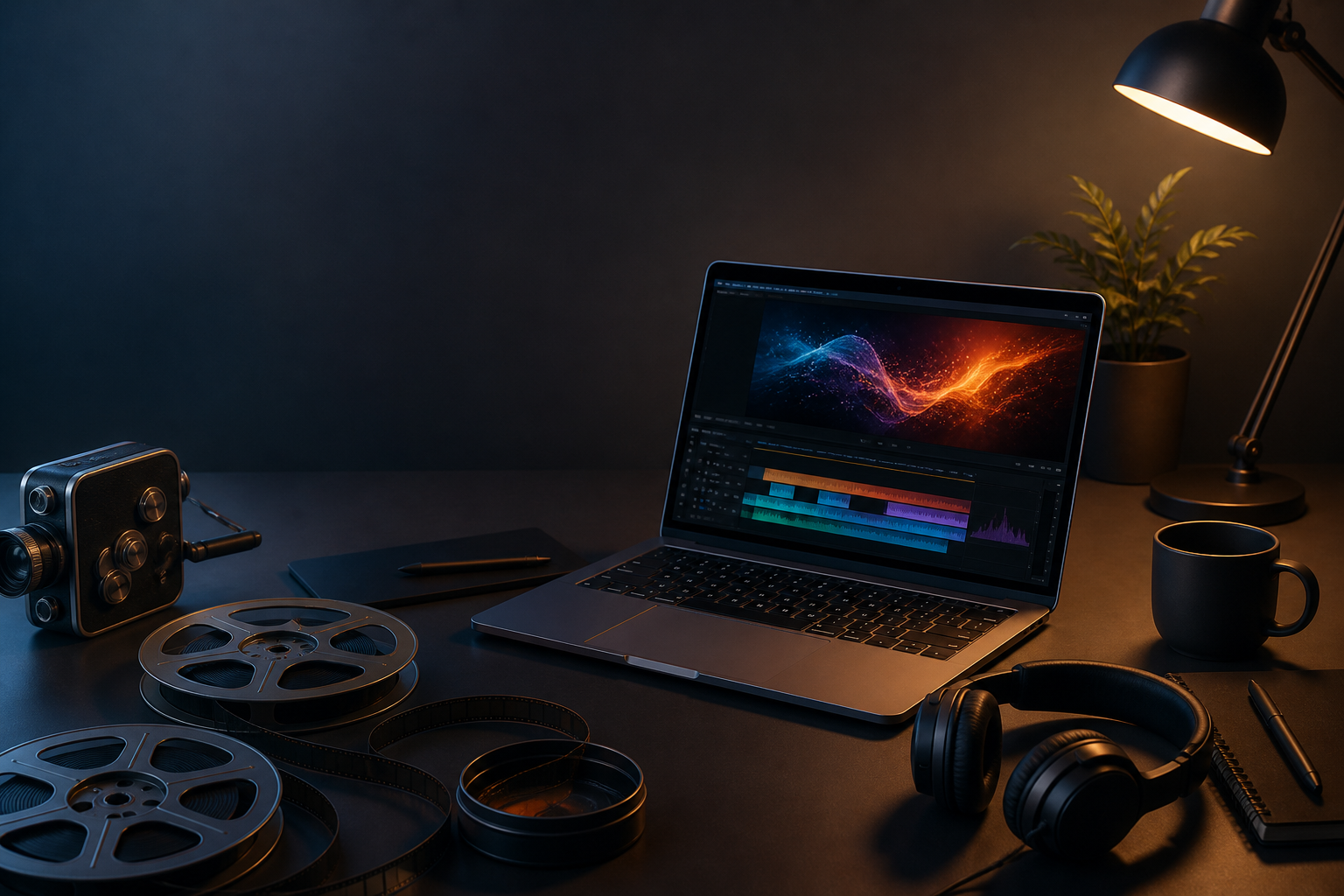
VideoPad by NCH Software is an easy-to-use video editing software that combines simplicity with professional-grade features, making it perfect for beginners and intermediate video editors. Whether you’re creating YouTube videos, home movies, or even short films, VideoPad offers all the essential tools you need to quickly and efficiently edit your footage. With its straightforward interface and a wide array of features, VideoPad makes video editing accessible to everyone, from hobbyists to aspiring filmmakers.
Key Features
- User-Friendly Interface: VideoPad offers a simple and intuitive drag-and-drop interface, allowing users to easily arrange clips, apply transitions, and add effects. Even beginners can quickly get started with little to no learning curve.
- Wide Format Support: VideoPad supports a wide range of video formats, including AVI, MP4, MOV, and WMV , ensuring compatibility with various media sources and export platforms. Whether you’re working with mobile footage or professional-grade cameras, VideoPad can handle it.
- Professional Effects and Transitions: Add a professional touch to your videos with over 50 pre-made transitions and video effects. Choose from options like fade, zoom, and dissolve to enhance the visual flow of your project.
- Audio Editing and Mixing: VideoPad features a robust set of audio editing tools, allowing you to add and edit soundtracks, voiceovers, and sound effects. The software also supports multi-track audio mixing for layering different audio elements with precision.
- Speed and Time Effects: Create dynamic visuals with slow-motion, fast-motion, reverse video, and time-lapse effects . These tools are perfect for adding excitement and creativity to your projects.
- Chroma Key (Green Screen): VideoPad’s green screen (chroma key) functionality lets you replace backgrounds with custom images or video, adding a professional, cinematic touch to your creations.
- 3D and 360-Degree Video Editing: Edit and export 3D and 360-degree videos, making VideoPad a versatile tool for those looking to experiment with immersive content. Whether you’re working on VR projects or adding dimension to traditional media, VideoPad has you covered.
- Built-In Media Library: VideoPad offers access to a built-in library of sound effects and royalty-free music , helping you find the perfect soundtrack or effects for your project without the need for external resources.
Who Should Use it:
VideoPad is perfect for beginner and intermediate video editors who want an affordable, user-friendly platform with a range of professional features. It’s ideal for YouTubers, content creators, hobbyists, and anyone looking to produce high-quality videos without complex software.
Summary:
In summary, VideoPad is an easy-to-use video editing software that combines accessibility with professional tools. Its wide range of video effects, audio editing features, and
TITLE:
CREATIVE GENRE:
PUBLISHER:
PLATFORM:
PRICE RANGE
Paid
PRICE NOTES
PRICE NOTES
Price starts from $59.95 or $7.72 per month subscription option.
FEATURE TAGS
Related products

About Creaxus | Support | Privacy Policy | Legal | Promote your product | Cookies | X Creaxus